MyCareer
NBA 2K26 MyCareer Builds: Start Smart, Not Overbuilt
Most new MyCareer players dump VC into a build that looks cool on Twitter but cannot shoot or guard. A good NBA 2K26 build matches how you actually play — not a copy-paste template from last year.

Pick a role before you touch the sliders
Open NBA 2K26 notes on position changes, then decide if you are a spot-up wing, slasher, or big. Height and wingspan still matter for contests and rebounds. Do not chase a 6'9 point guard if you only play offline — online matchups will punish you.
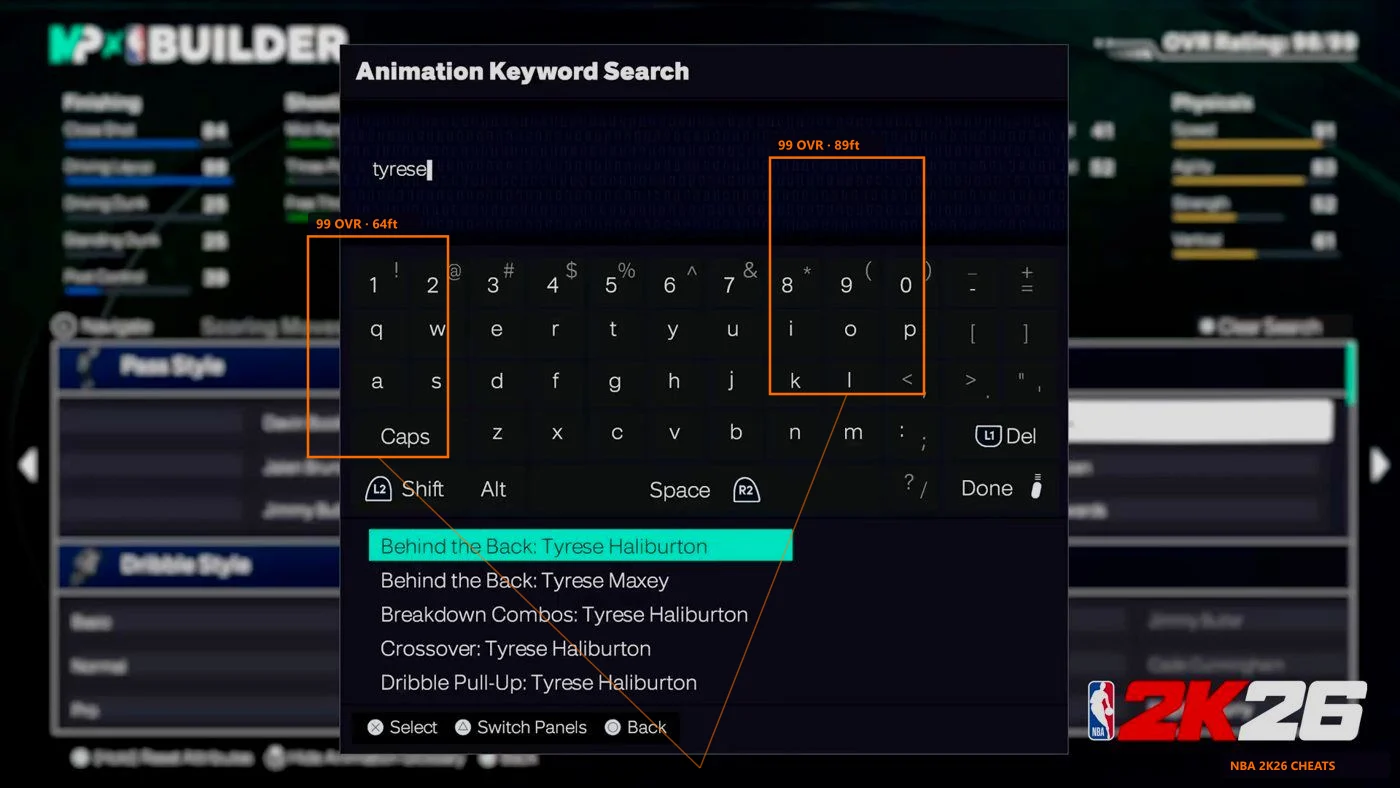
Use the in-game Build Creator to test release height and speed with ball. A build that feels slow in the demo will feel worse after ten Park games. Check our Build Creator tips before you burn VC.
Badge order saves more VC than hype
Core shooting badges come first if you space the floor. Rebound chaser and box out matter more for centers than flashy dribble badges you never trigger. Grind rep in MyCareer before you buy every tier at once.
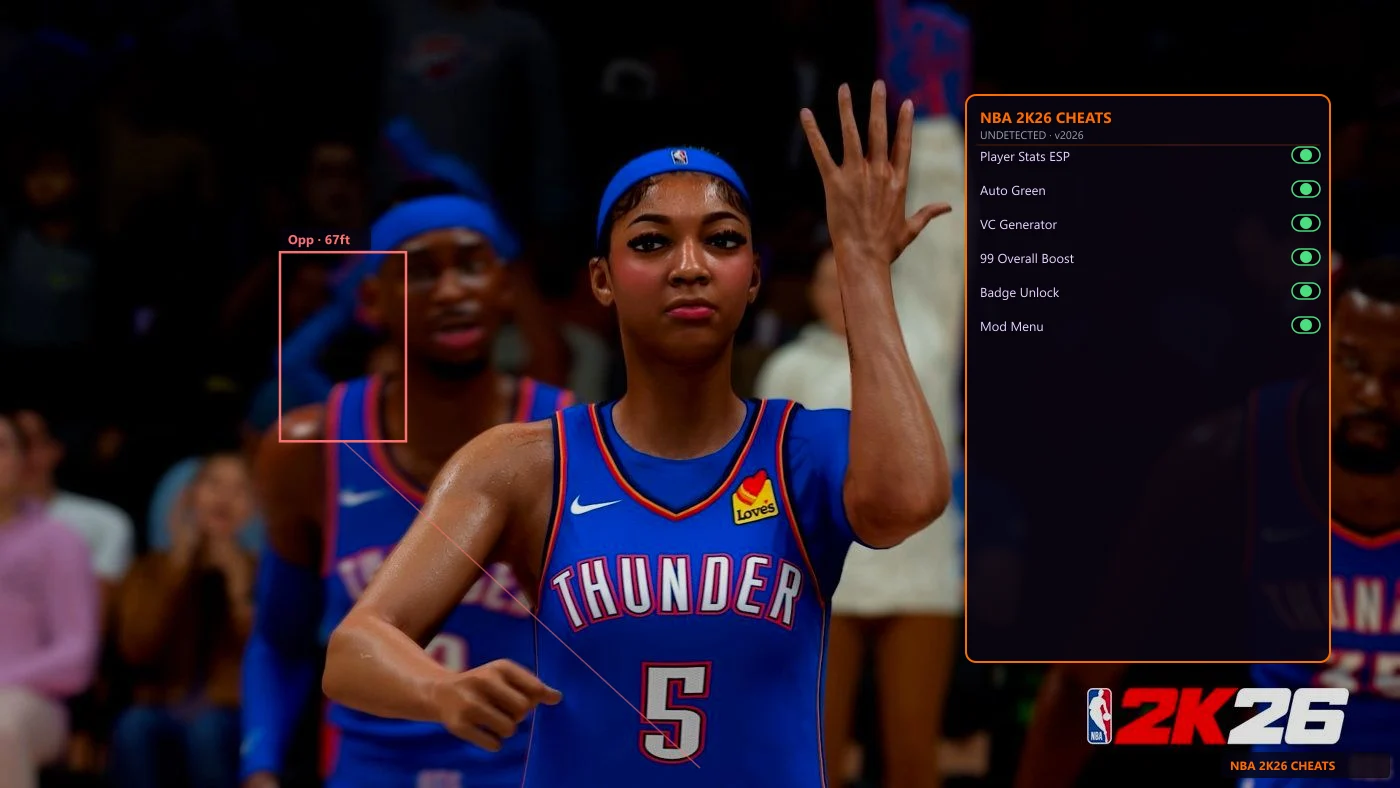
Players who also run auto green still need a base release they trust. Tools help timing — they do not fix a 60 three-ball build. See Features for what ships in one license.
When extras are worth it
If you want faster progression, VC tools and badge unlocks cut grind time on PC. Read status after patches before you queue ranked.
Compare plans on Pricing and the main NBA 2K26 Cheats page. A working build plus honest expectations beats a maxed-out MyPlayer you cannot control.